




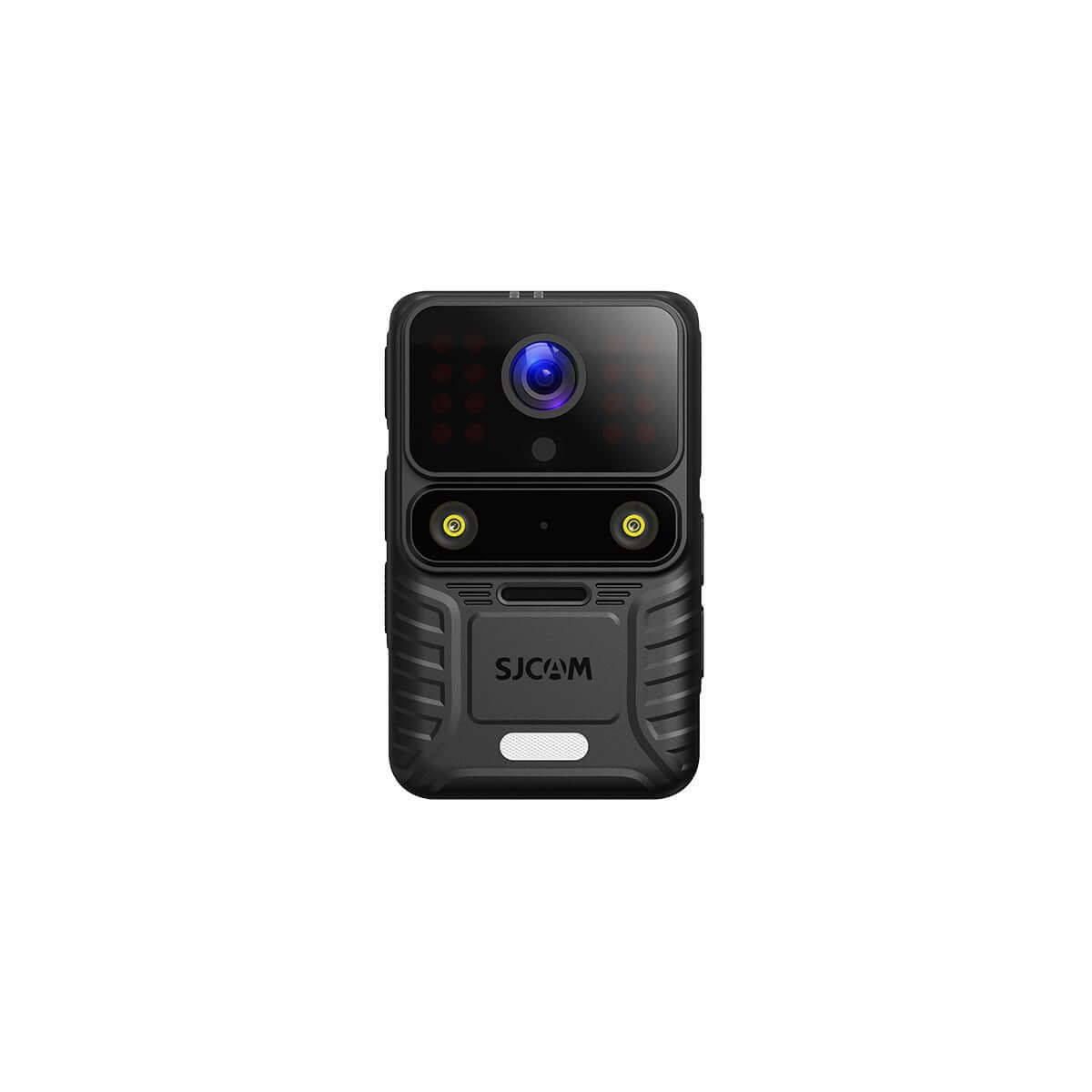


SJCAM C400 Pro Basic Accessories Usage Tutorial: Magnetic Lanyard, Waterproof Case, Helmet Mount & Adapter Setup Guide
The SJCAM C400 Pro’s modular design becomes far more versatile once you master its basic accessories. This step-by-step guide shows exactly how to install and use the magnetic lanyard, waterproof case, helmet mounts, and adapter so you can switch quickly between chest-level POV, underwater, helmet, and selfie-stick shooting.
The official SJCAM tutorial demonstrates that proper accessory setup takes under two minutes per item once you know the correct orientation and locking steps.
How to Use the Magnetic Lanyard for Chest-Level POV
The magnetic lanyard is designed for hands-free, first-person chest-level shooting.
- Adjust the lanyard length according to your height and preferred shooting angle.
- Place the C400 Pro Pocket into the magnetic frame.
- Attach the frame to the magnetic area on the lanyard with the magnetic side facing outward and the back resting against your body.
This setup keeps the camera stable and pointed forward without requiring you to hold the grip, making it ideal for walking, travel, and casual vlogging.

How to Install the Waterproof Case on the C400 Pro
The waterproof case protects the camera for water activities.
- Release the buckle to open the case.
- Remove the C400 Pro Pocket from the handheld controller.
- Place the camera inside the case.
- Close the buckle firmly until it locks.
Always check the seal before entering water. The case is the recommended method for underwater or wet-environment use, as the camera body itself is not waterproof.
How to Attach the Helmet Mount
The kit includes both curved and flat mounts so you can fit different helmet shapes.
- Choose the mount (curved or flat) that best matches your helmet.
- Place the camera into the frame mount.
- Attach the frame to the helmet mount using the thumb screw.
- Turn the thumb screw clockwise until the camera is securely tightened.
This method works for motorcycle, cycling, skiing, and other helmet-based POV footage.
How to Use the Adapter with a Selfie Stick
The adapter (included in the C400 Pro Extended Battery Combo) lets you connect the camera to standard 1/4-inch accessories such as a selfie stick.
- Attach the camera to the handheld controller first.
- Align the adapter with the 1/4-inch threaded hole on the bottom of the camera and turn it clockwise until tight.
- Align the bottom of the adapter with the selfie stick mount.
- Secure it with the thumb screw and tighten clockwise.
Once attached, you can use the setup for selfies, follow shots, or extended-angle filming.
Quick Comparison of Basic Accessories
| Accessory | Best Use Case | Key Setup Step | Time to Install |
|---|---|---|---|
| Lanière magnétique | Chest-level POV / hands-free | Magnetic frame + outward magnetic side | ~30 seconds |
| Étui étanche | Water / wet conditions | Remove from controller → insert & lock | ~20 seconds |
| Fixation pour casque | Helmet POV (bike/moto/ski) | Frame + thumb screw | ~45 seconds |
| Adaptateur | Selfie stick / 1/4" mounts | Thread into bottom hole + thumb screw | ~40 seconds |
FAQ
How do I switch the C400 Pro from the handheld controller to the waterproof case?
Press the release buttons on both sides of the controller, pull the Pocket unit upward, then place it inside the open waterproof case and lock the buckle.
Can I use the magnetic lanyard with the waterproof case?
Yes. Attach the camera (inside the case if desired) to the magnetic frame first, then connect the frame to the lanyard.
Which helmet mount should I choose?
Use the curved mount for most standard helmets and the flat mount for flatter surfaces. Both use the same frame-and-thumb-screw method.
Does the adapter work with third-party selfie sticks?
Yes, provided the selfie stick has a standard 1/4-inch mount. The adapter is designed specifically for this purpose.
Mastering these four basic accessories turns the SJCAM C400 Pro from a simple handheld camera into a flexible tool for POV, water, helmet, and selfie-style content. Follow the orientation and locking steps above for secure, repeatable setups every time.


