








Which Memory Card Is Best for a Camera: SD or MicroSD?
Suppose that you are traveling and taking pictures with a camera. Somewhere in the middle of the journey, however, the memory card inexplicably becomes unresponsive. Every picture or video on the card is gone: you are left to wonder what you could have done to avoid this catastrophe.
The answer is simple: get a quality memory card for cameras! There are various types, sizes, speeds, and capacities of memory cards. If you are not sure which one to buy, then you're in the right place, as this article will explain which memory card can be of great help to you. Here, you'll discover the distinction between the different types of cards, and you'll know which type to purchase for your camera.

Types of Memory Cards
There are basically three types of memory cards that are available in the market for digital cameras. They are:
- Full-size SD card
- MicroSD card
- CompactFlash (CF) or XQD card
The third one is getting scarcer in today's market, as consumers are looking for quicker and more flexible options.
How Do They Compare in Reality
Given below is a comparison table showing the difference between a full-size SD card and a MicroSD card.
| What Matters | Full-Size SD Card | MicroSD card |
| Dimensione | About the size of a postage stamp | Tiny—easy to lose |
| What cameras use it | DSLRs, mirrorless cameras, and professional gear | Phones, drones, action cams |
| Read speed | Up to 260 MB/s | Up to 200 MB/s |
| Write speed | Up to 250 MB/s | Up to 180 MB/s |
| Max capacity | Up to 2TB | Usually 1TB |
| Price per GB | Higher | Cheaper |
| Durability | Robust and built to last | Fragile, snaps easily |
The difference in physical size is instantly taken in. A full-size card is firm to hold. A microSD card can be easily lost. That is more important than people care to think about—the smaller cards can be lost in camera bags, sat on, bent, etc. There are more photographers who have lost microSD cards than hard drives
SD vs. MicroSD: Pros and Cons Side by Side
Full-Size SD Cards
| Advantages | Disadvantages |
| It has a quick read/write speed (up to 260 MB/s). | Requires more camera space |
| Better suited for 4K and 8K video recording | Its price increases per GB |
| Easy to store and handle | Cannot be used in small devices (smartphones) |
| It has a strong design and metal contacts | Carrying multiple cards increases unnecessary weight |
MicroSD Cards
| Advantages | Disadvantages |
| Much cheaper per gigabyte | Slower speeds (up to 200 MB/s max) |
| It is easier to carry and store | For regular cameras, an adapter is needed |
| It is easier to carry and store | Fragile and easier to lose |
| Available in higher capacities | Not recommended for high-bitrate video |
SD Card or MicroSD Card - Which One to Choose for Your Camera
The answer to this question depends on your camera.
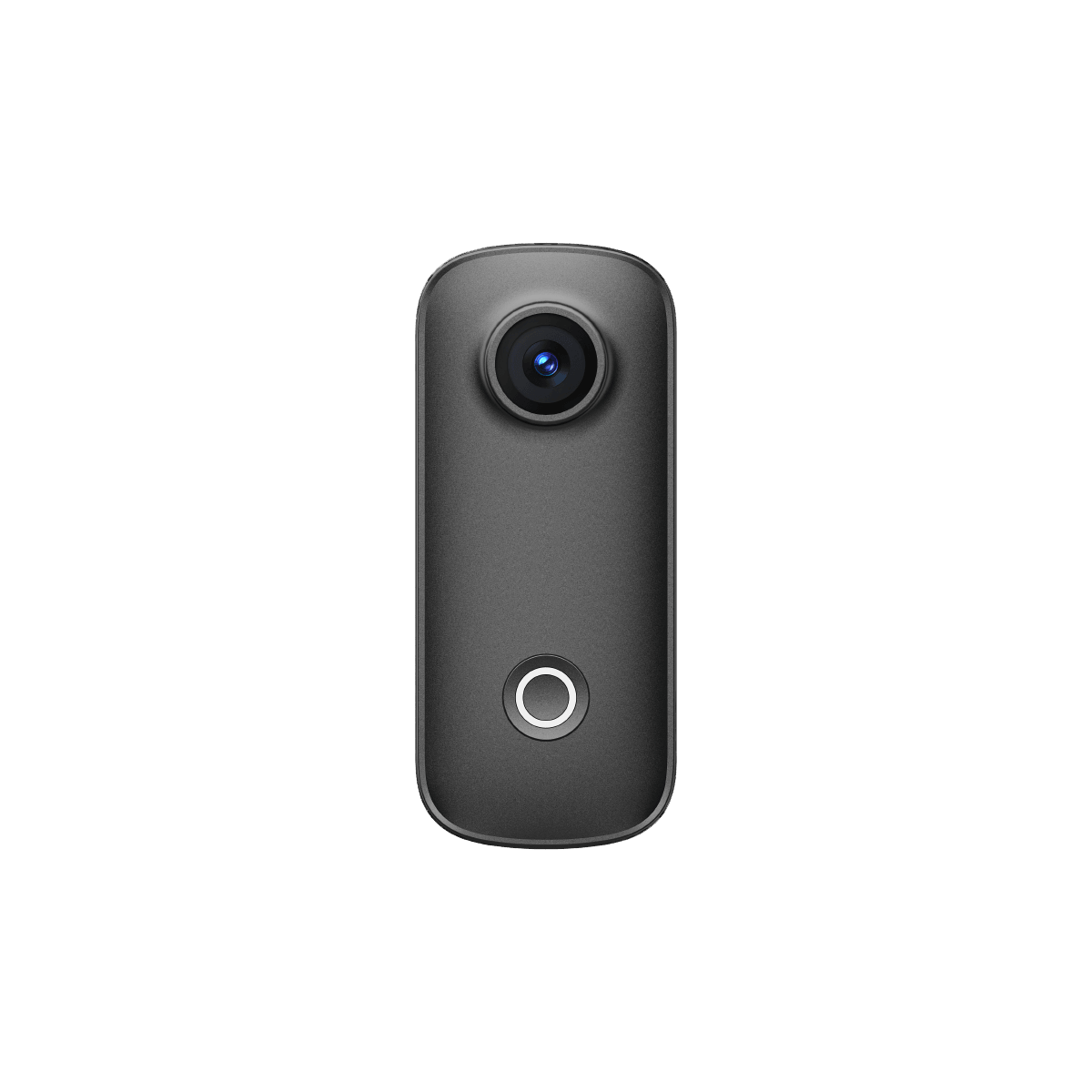
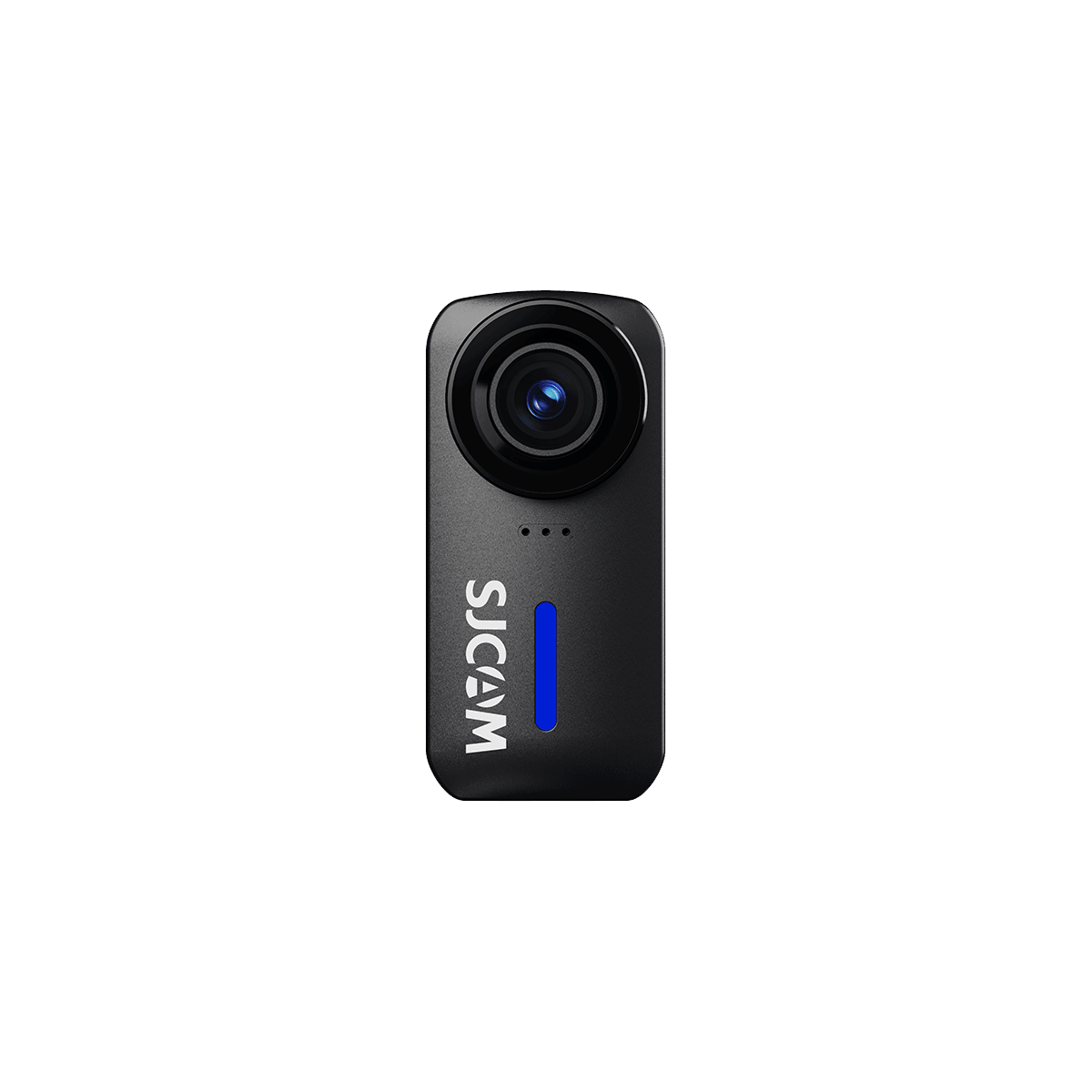
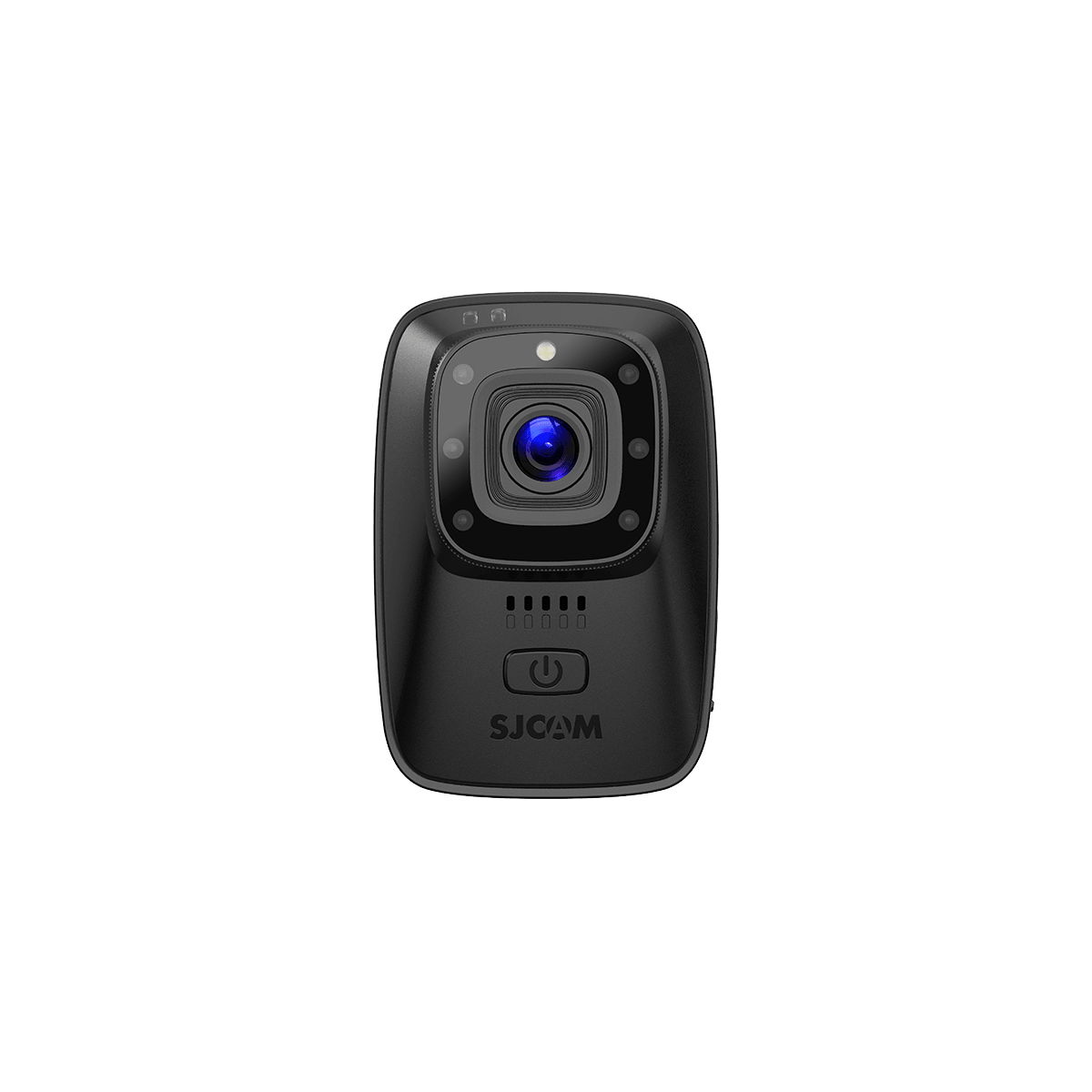
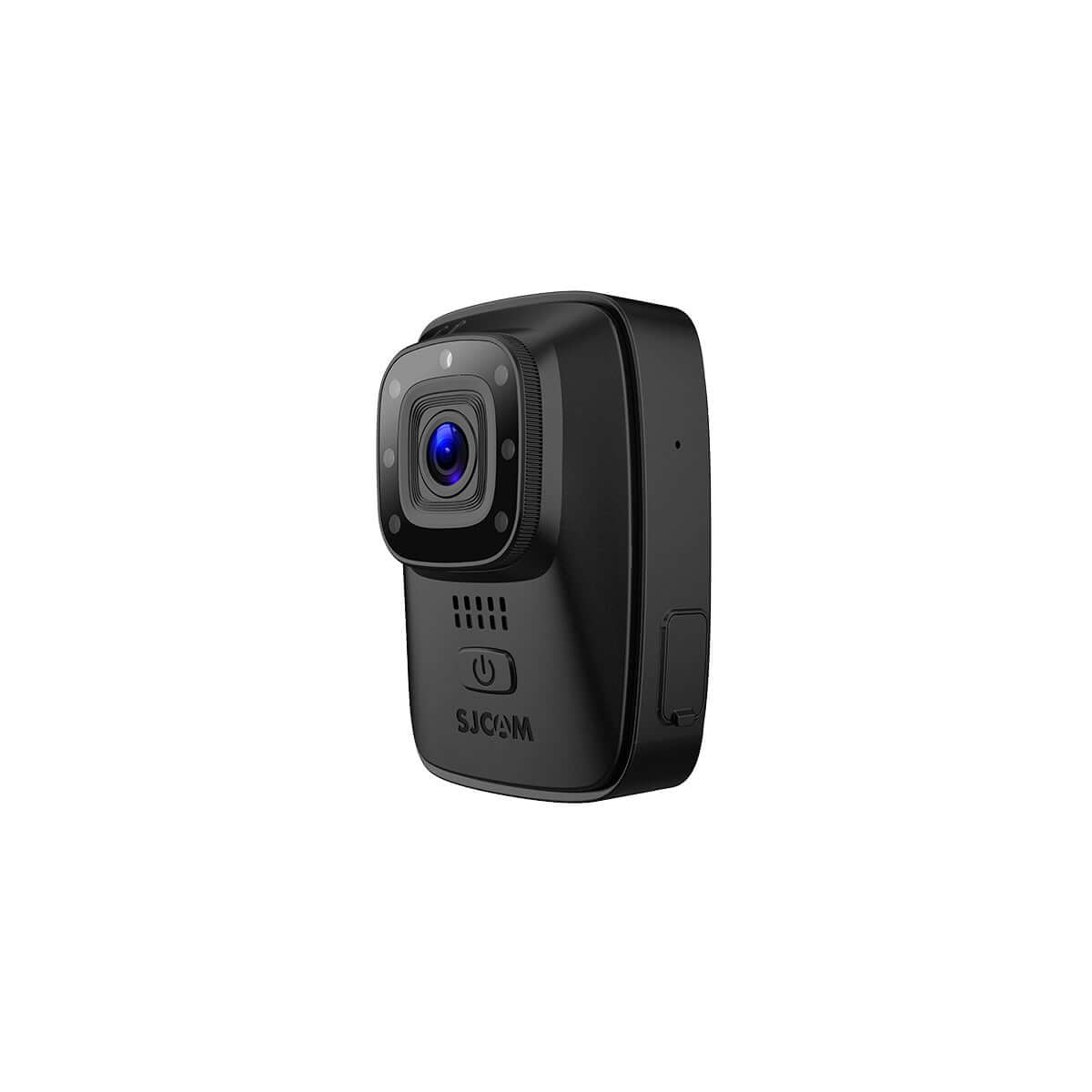
For those with a modern camera, especially an action camera, a microSD card is the ideal option. Most modern action cameras are small in size. There is only space for a microSD card in the housing.
When it comes to using a DSLR camera, your first choice is a standard SD card. However, as they do not offer better performance than microSD cards, most people end up using the microSD cards with an adapter for their DSLR camera.
We suggest using cards rated for a UHS speed with a Class 3 rating for optimal results and speed. These allow you to capture video footage without trouble or distortion and without data corruption problems.
What to Look for When Picking a Camera Memory Card
When buying a memory card, focus on the two things mentioned below:
Speed Ratings
Each memory card has a different speed rating. This rating shows the minimum writing speed of the memory card.
Place great importance on the speed rating so you can record videos without any distortion or dropped frames.
Below is a table showing various speed ratings along with their minimum write speed and what they are best for:
| Speed Rating | Min. Write Speed | Il migliore per |
| Class 4 | 4 MB/s | Basic photos only |
| Class 10 | 10 MB/s | Standard video |
| UHS-II | Up to 312 MB/s | 4K video |
| V90 | Guaranteed 90 MB/s | 8K video |
Storage Capacity Recommendations
Memory cards are available in different storage capacities, ranging from 2GB to 2TB, currently fully available on the market. Ideally speaking, selecting the 128GB card is good. In 4k resolution, the card can easily store nearly 4000 to 5000 images. More than enough to photograph all day long.

Comparison: SJ30 vs. Traditional Action Cams
The SJ30 is a newer model of action camera. It has been designed for modern-day use. The SJ30 provides support for faster MicroSD card specifications or dual storage, unlike traditional action cams, which are dependent on MicroSD cards with limited speed specifications.
Regular action cams, such as older GoPro cameras, feature V30 or V60-rated MicroSD cards. The SJ30's ability to have different memory options gives it greater flexibility when recording at a high bit rates or 4K footage. Always ensure memory meets manufacturer specifications for action cams to guarantee that it will hold up and won't damage frames or files.
Getting the Memory Card that Works with Your Camera
Each new camera comes with a guidebook. You will learn which card fits your particular camera in this book. After this, consider the video capabilities (resolution) of your camera. Videos recorded in 4K need at least a V30 card, and videos recorded in 8K require at least a V60 card.
Think about your usual shooting sessions. If you are a professional shooter, speed and capacity are more important. If you want to purchase one for everyday use, it's a regular card.
Portability is important for travel photography. You may have more than one small card instead of multiple larger cards. This way, you'll have the ability to store more videos.

Tips to Safely Use the Camera Memory Card
Here are some excellent tips for taking care of your memory cards:
Formatting on camera: Format the cards on your camera rather than on your computer. This optimizes the file system for your specific camera model.
Do not remove during recording: Corruption of the file and loss of photos result from removing the card while the camera is recording.
Back up immediately: Transfer photos to your computer or cloud on the day you shoot.
Storage: Cards should be stored in protective cases, away from heat, water, and magnetic influence.
Replaced every few years: Memory cards can wear out over time due to heavy use. Replace them every 3-5 years.
Clean contacts: Gently wipe gold contacts with a soft, dry cloth if the card doesn't read.
Frequently Asked Questions about memory cards for digital cameras

Are All Cameras Using MicroSD Cards?
No, microSD cards are used in a lot of action cameras or small-sized travel cameras. If your camera has a standard SD card slot, you can use a microSD card with an adapter in the camera.
Can SD Cards Be Formatted Using the Camera?
Yes. Insert the SD card in the camera. Navigate to "Menu" and then select “Format Card." You will be prompted to format the card by the camera. Click on the “Confirm” or “Ok” button.
Can a 128 GB Card Be Enough for Photographing?
Yes, 128GB should be sufficient for most users. If you are taking everyday photos, then this camera is ideal for you. For professional photography, it might be worth considering investing in 256GB cards.
Will the camera operate without a memory card?
If you are using a modern camera, then you will need a memory card. There were older camera models where an inbuilt storage system was present. Only they would be usable without a memory card.


