






SD vs microSD for Cameras: How to Choose the Right Card
Choosing the right memory card for a camera starts with compatibility. Check whether your camera uses a full-size SD card, microSD card, or another format, then compare capacity, sustained write speed, speed class, and the camera’s supported interface.
Full-size SD cards are common in DSLR and mirrorless cameras, while microSD cards are widely used in action cameras and other compact devices. However, card size alone does not determine performance—the right choice depends on your camera and recording requirements.

SD or microSD: Which One Should You Choose?
| Camera / Use | Usually Choose | Check Before Buying |
|---|---|---|
| DSLR | Full-size SD | SDHC/SDXC support, UHS support, speed class |
| Mirrorless Camera | SD or other supported format | Camera manual and slot specification |
| Action Camera | microSD | Maximum capacity and video speed requirement |
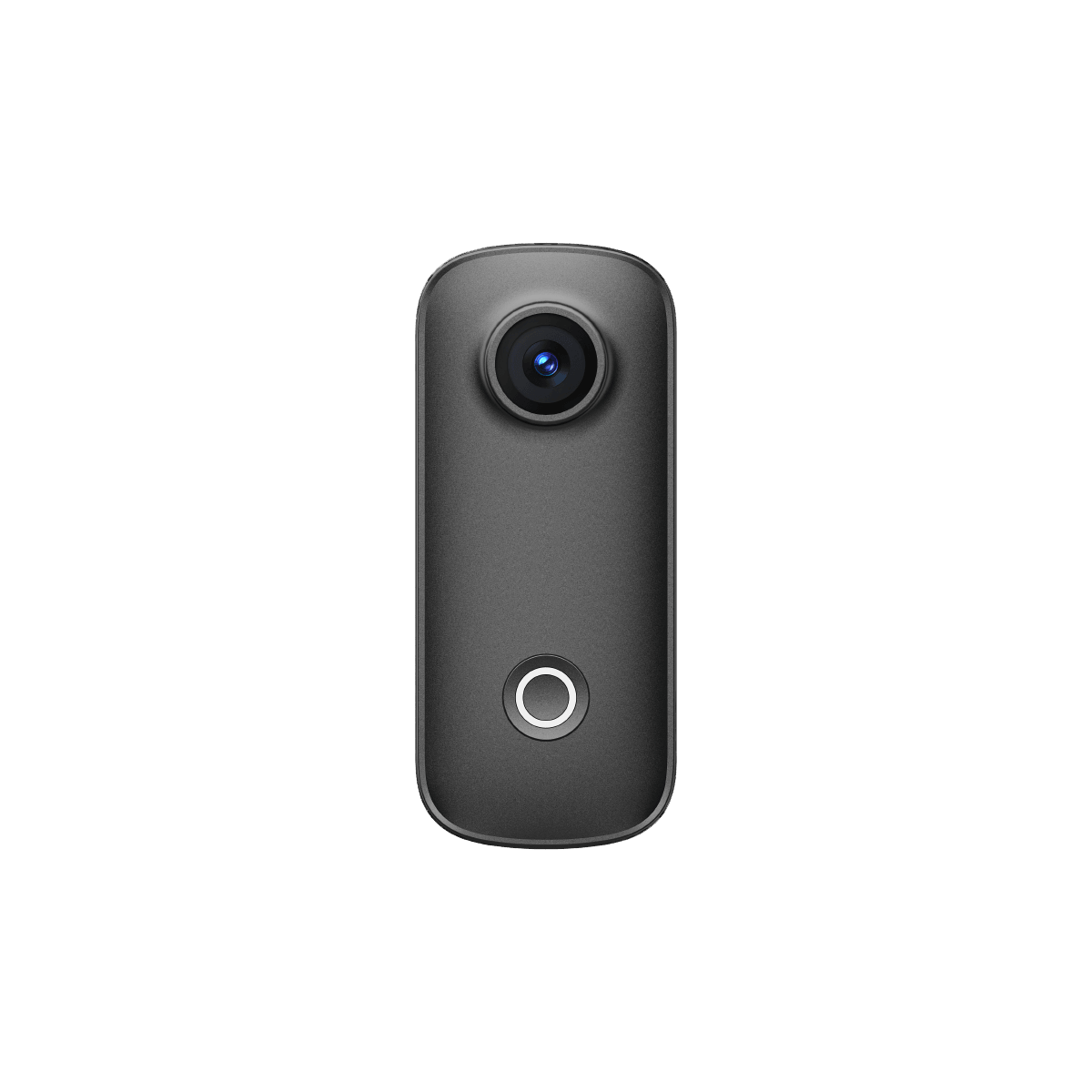
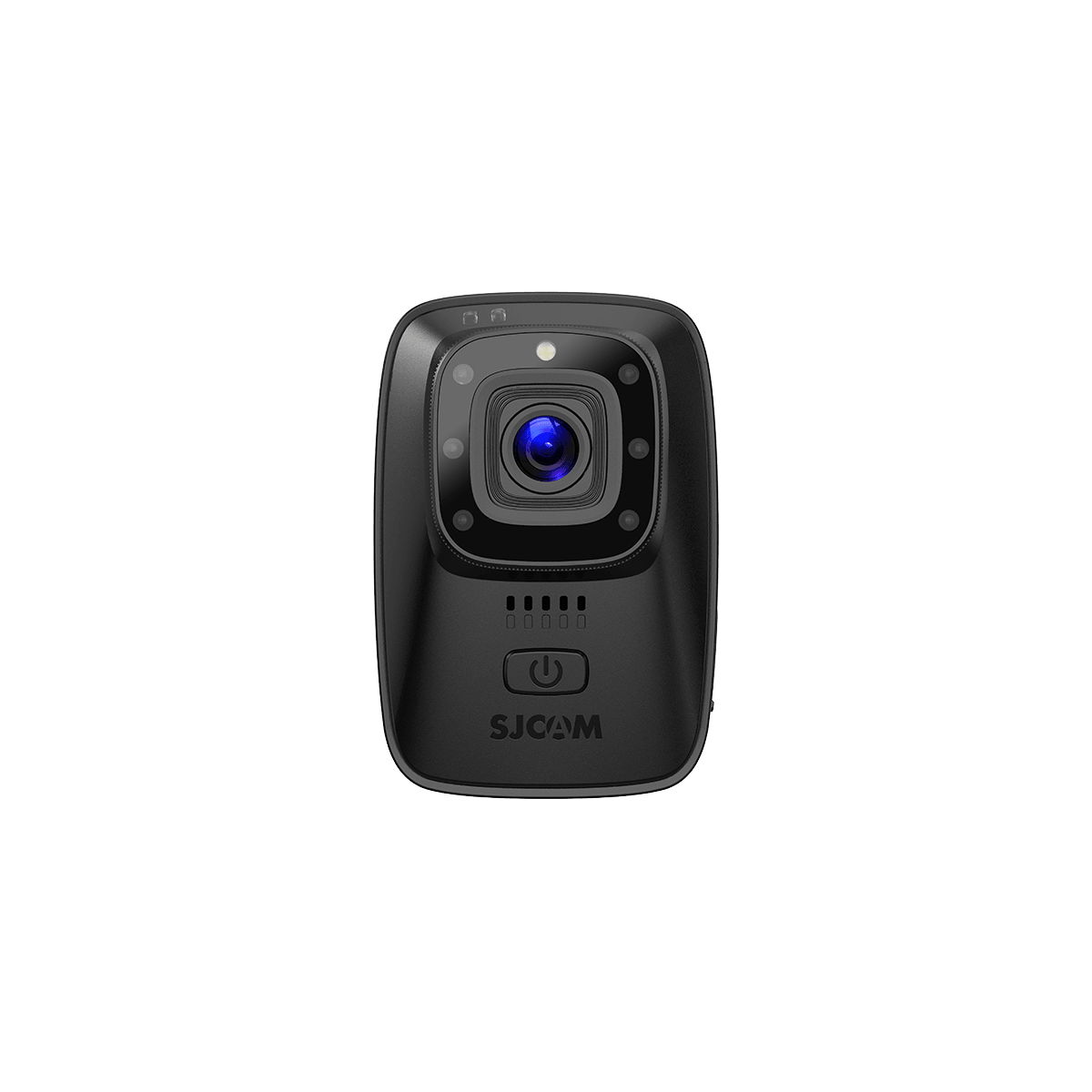
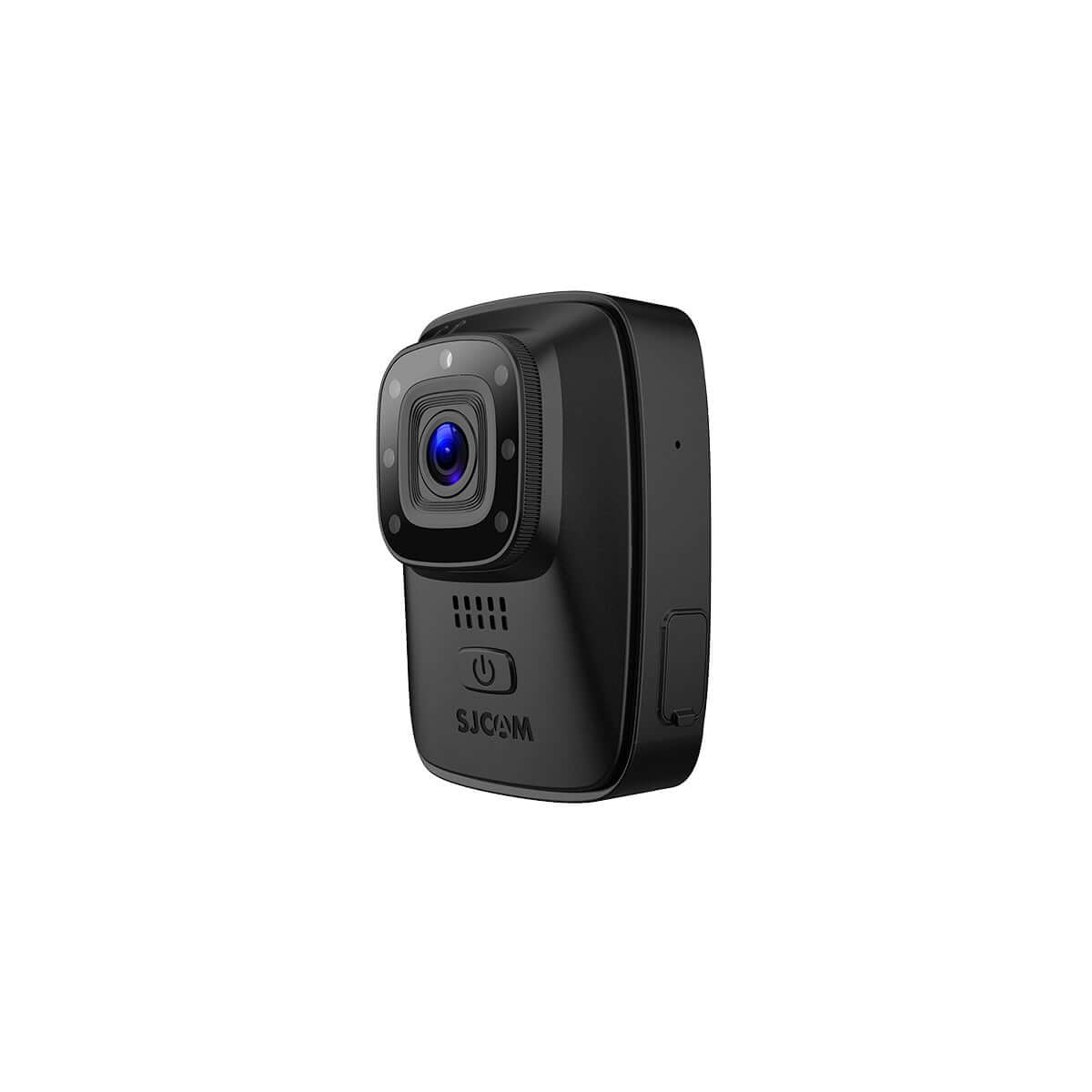
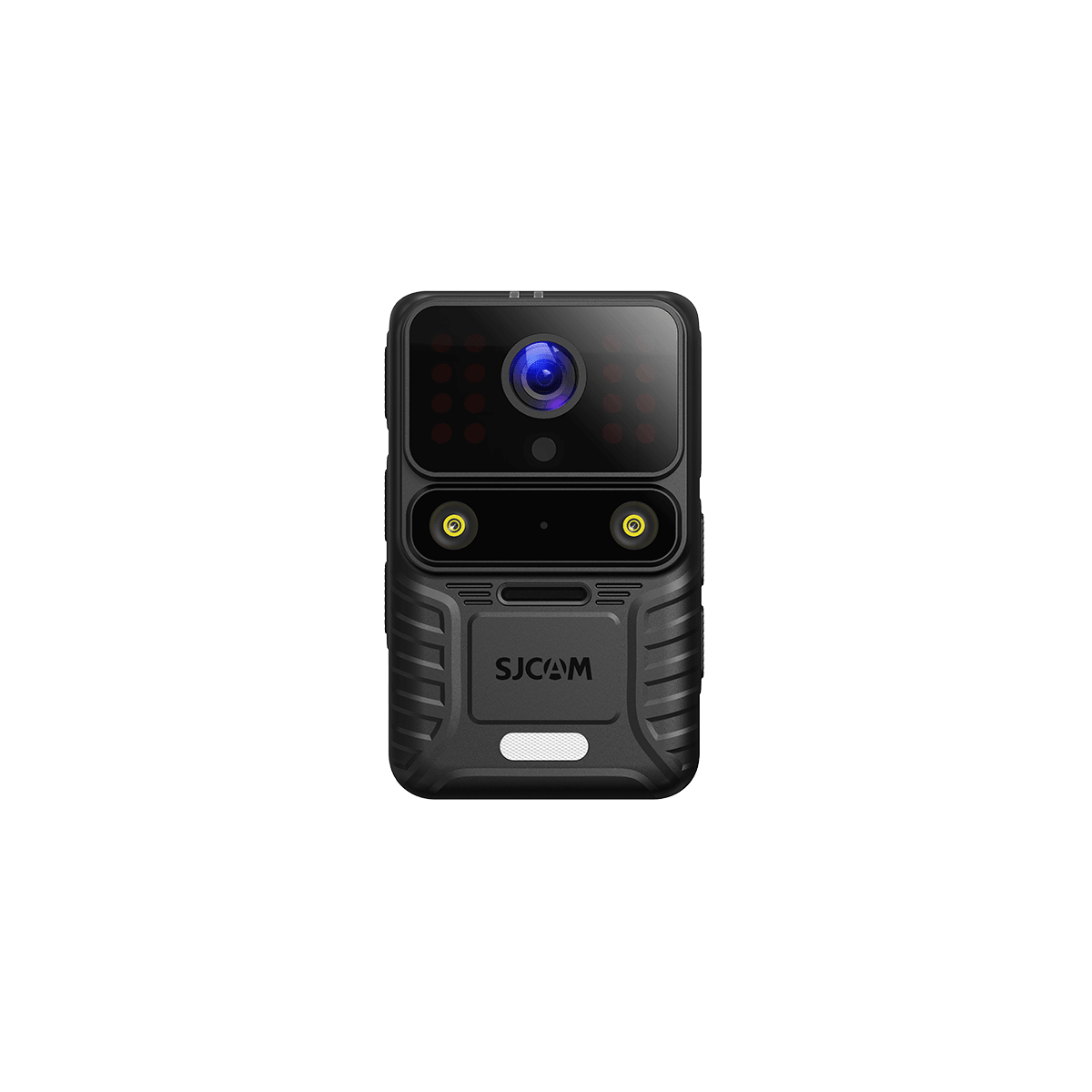
| SJCAM Action Camera | microSD | Model capacity limit and recommended speed class |
| High-bitrate Video | Camera-supported card | Sustained write speed / video speed class |
Always use the card format your camera natively supports. Then choose the capacity and speed rating based on your shooting mode rather than assuming SD is automatically faster than microSD.
SD vs. microSD: What’s the Difference?
| Feature | SD Card | microSD Card |
|---|---|---|
| Physical Size | Larger | Much smaller |
| Common Devices | DSLR, mirrorless cameras | Action cameras, drones, compact devices |
| Speed | Depends on card specification | Depends on card specification |
| Capacity | Depends on SD standard and device support | Depends on SD standard and device support |
| Handling | Easier to handle | Easier to lose |
| Adapter Needed | No | Sometimes, for full-size SD slots |
| Best Choice | When your camera has an SD slot | When your camera has a microSD slot |
How to Choose the Right SD Card for Your Camera?
Choosing the right SD card starts with your camera’s compatibility requirements. Instead of simply buying the fastest or largest card available, check the card format, maximum capacity, speed rating, and the type of content you plan to shoot.
1. Check Your Camera’s Card Format
First, confirm whether your camera uses a full-size SD card, microSD card, or another storage format. DSLR and mirrorless cameras commonly use full-size SD cards, while action cameras and compact devices often use microSD cards.
Always check your camera manual or specifications before buying.
2. Check the Maximum Supported Capacity
Cameras may support different card capacities, such as 64GB, 128GB, 256GB, or 512GB. Using a card larger than the camera supports may cause compatibility or recording issues.
For most users, 128GB or 256GB provides a practical balance between storage space and file management.
3. Understand Speed Classes
Speed class tells you the minimum sustained write speed of a memory card, which is especially important for video recording.
- U1 / V10: Suitable for basic recording
- U3 / V30: A common choice for many 4K video modes
- V60 / V90: Designed for higher-bitrate and more demanding video recording
Always follow the speed requirement specified by your camera manufacturer.
4. Check UHS Compatibility
UHS-I and UHS-II refer to the card’s interface and maximum potential transfer speed. A UHS-II card may offer faster performance, but only if your camera supports UHS-II.
If your camera only supports UHS-I, a more expensive UHS-II card may provide little benefit during recording.
5. Match the Card to What You Shoot
Your shooting style should guide your final choice:
- Casual photos: Standard SD or microSD cards are usually sufficient.
- RAW burst photography: Look for faster sustained write speeds.
- 4K video: U3 or V30 is commonly suitable, depending on bitrate.
- High-bitrate or professional video: Your camera may require V60, V90, or another specific rating.
The best SD card is not necessarily the fastest one—it is the card that meets your camera’s compatibility and performance requirements without paying for features you cannot use.

What Memory Card Is Best for a DSLR Camera?
Most DSLR cameras use full-size SD cards, but the best choice depends on your camera’s supported format, capacity, and speed requirements.

For general photography, a reliable SDXC UHS-I card is usually enough. If you shoot RAW bursts, sports, or high-bitrate video, look for faster write speeds and check whether your camera supports UHS-II.
As a simple guide:
- Casual photography: U1 / V10 may be sufficient
- RAW burst shooting: Faster sustained write speeds are recommended
- 4K video: U3 / V30 is commonly suitable
- Professional or high-bitrate video: V60 or V90 may be required
Always check your DSLR’s manual before buying, especially for maximum card capacity and UHS compatibility.
What microSD Card Is Best for an Action Camera?
For an action camera, choose a high-quality microSD card that can maintain stable write speeds during continuous video recording. This is especially important for 4K footage, high frame rates, and long recording sessions.
For most modern action cameras, a U3 / V30 microSD card is a practical starting point for 4K recording. Higher-bitrate modes may require V60 or another manufacturer-specified rating.
Also check:
- Maximum supported capacity
- Required speed class
- microSDHC or microSDXC compatibility
- Recommended card brands or specifications
- Recording mode and bitrate
For SJCAM cameras, always check the individual model’s storage specification because supported capacity can vary between models.
SJCAM SD Card Compatibility
SJCAM action cameras use microSD cards, but the maximum supported capacity varies by model. For reliable 4K and high-bitrate recording, SJCAM recommends using a reputable U3 / V30 or higher microSD card and formatting the card in the camera before first use.
| SJCAM Camera | Card Type | Maximum Supported Capacity | Recommended Speed |
|---|---|---|---|
| SJCAM C300 / C300 Pocket | microSD | Up to 128GB | U3 / V30 or higher |
| SJCAM C400 / C400 Pocket | microSD | Up to 512GB | U3 / V30 or higher |
| SJCAM C400 Pro / Pro Pocket | microSD | Up to 512GB | U3 / V30 or higher |
| SJCAM SJ20 | microSD | Up to 128GB | U3 / V30 or higher |
| SJCAM SJ30 | microSD | Up to 512GB | U3 / V30 or higher |
Tips for Choosing a microSD Card for SJCAM
- Use a U3 / V30 or faster card for 4K and other high-bitrate recording modes.
- Do not exceed the maximum capacity supported by your specific camera model.
- Choose memory cards from reputable manufacturers to reduce recording errors.
- Format a new microSD card inside the SJCAM camera before recording.
- Always check the latest product specifications or user manual, as storage support can differ between models.
Not sure which SD card is compatible with your SJCAM? Check your camera model’s maximum microSD capacity first, then choose a U3 / V30 or higher card that meets its recording requirements.

What SD Card Speed Do You Need for 4K and 8K Video?
The SD card speed you need depends on your camera’s video bitrate, not resolution alone. Two cameras can both record 4K video but require different minimum write speeds.
As a general guide:
- 1080p video: U1 / V10 may be sufficient
- 4K video: U3 / V30 is a common starting point
- High-bitrate 4K video: V60 may be required
- 8K or professional video: V60 or V90 may be required
The safest approach is to check your camera manufacturer’s recommended speed class for the recording mode you plan to use. A faster card can help prevent dropped frames, recording interruptions, and buffer delays.
How Much Storage Capacity Do You Need?
The right memory card capacity depends on your photo format, video resolution, bitrate, and how long you plan to record.
As a simple guide:
- 64GB: Suitable for casual photography and shorter recording sessions
- 128GB: A practical choice for everyday photography and 4K video
- 256GB: Better for travel, longer shoots, and frequent 4K recording
- 512GB: Useful for extended high-resolution video recording
Before buying a larger card, always check your camera’s maximum supported capacity. For important shoots, using multiple smaller cards can also reduce the risk of losing all your footage if one card fails.
Tips for Using Camera Memory Cards Safely
A reliable memory card setup can help prevent corrupted files and recording problems.
- Format new cards in the camera before first use.
- Do not remove the card while the camera is recording or saving files.
- Back up photos and videos regularly instead of using the card as permanent storage.
- Avoid filling the card completely during important shoots.
- Use reputable memory card brands and avoid suspiciously cheap or counterfeit cards.
- Keep cards dry, clean, and protected when not in use.
- Replace cards that repeatedly show errors, slow performance, or corrupted files.
For cameras used in action, travel, or outdoor environments, it is also useful to carry a spare memory card so a storage problem does not end the shoot.
Frequently Asked Questions
Is an SD card or a microSD card better for a camera?
Neither format is automatically better. The right choice depends on what your camera supports. DSLR and mirrorless cameras commonly use full-size SD cards, while action cameras and other compact devices often use microSD cards. Speed and performance depend on the card’s specifications, not simply its physical size.
How do I choose the right SD card for my camera?
Start by checking your camera’s supported card format, maximum capacity, and required speed class. Then match the card to how you shoot. Casual photography may need only a basic card, while 4K video, RAW burst photography, and high-bitrate recording require faster sustained write speeds.
What SD card speed do I need for 4K video?
For many 4K recording modes, a U3 / V30 card is a good starting point. However, the exact requirement depends on your camera’s video bitrate and recording mode. Some high-bitrate 4K formats may require V60 or faster, so always check the camera manufacturer’s recommendations.
Do I need a V60 or V90 card for 8K video?
Not always. Some 8K recording modes may require V60, V90, or another high-speed storage format, but requirements vary significantly between cameras. Resolution alone does not determine the necessary card speed, so check the specifications for your specific recording mode.
Is 128GB enough for a camera?
For many photographers and casual 4K video users, 128GB provides a practical balance between storage capacity and file management. If you record long 4K sessions or higher-bitrate video, 256GB or 512GB may be more convenient, provided your camera supports those capacities.
Can I use a microSD card in a DSLR camera?
You can use a microSD card in some DSLR cameras with a compatible full-size SD adapter. However, it is usually better to use the card format recommended by the camera manufacturer, especially for demanding burst photography or video recording.
What microSD card should I use for an action camera?
For most modern action cameras, choose a reputable U3 / V30 or faster microSD card that meets the camera’s capacity and recording requirements. Higher-bitrate recording modes may need a faster card. Always check the specifications for your specific action camera model.


